With CurrentKey 9.0, now you can take Mac personalization to a whole other level.
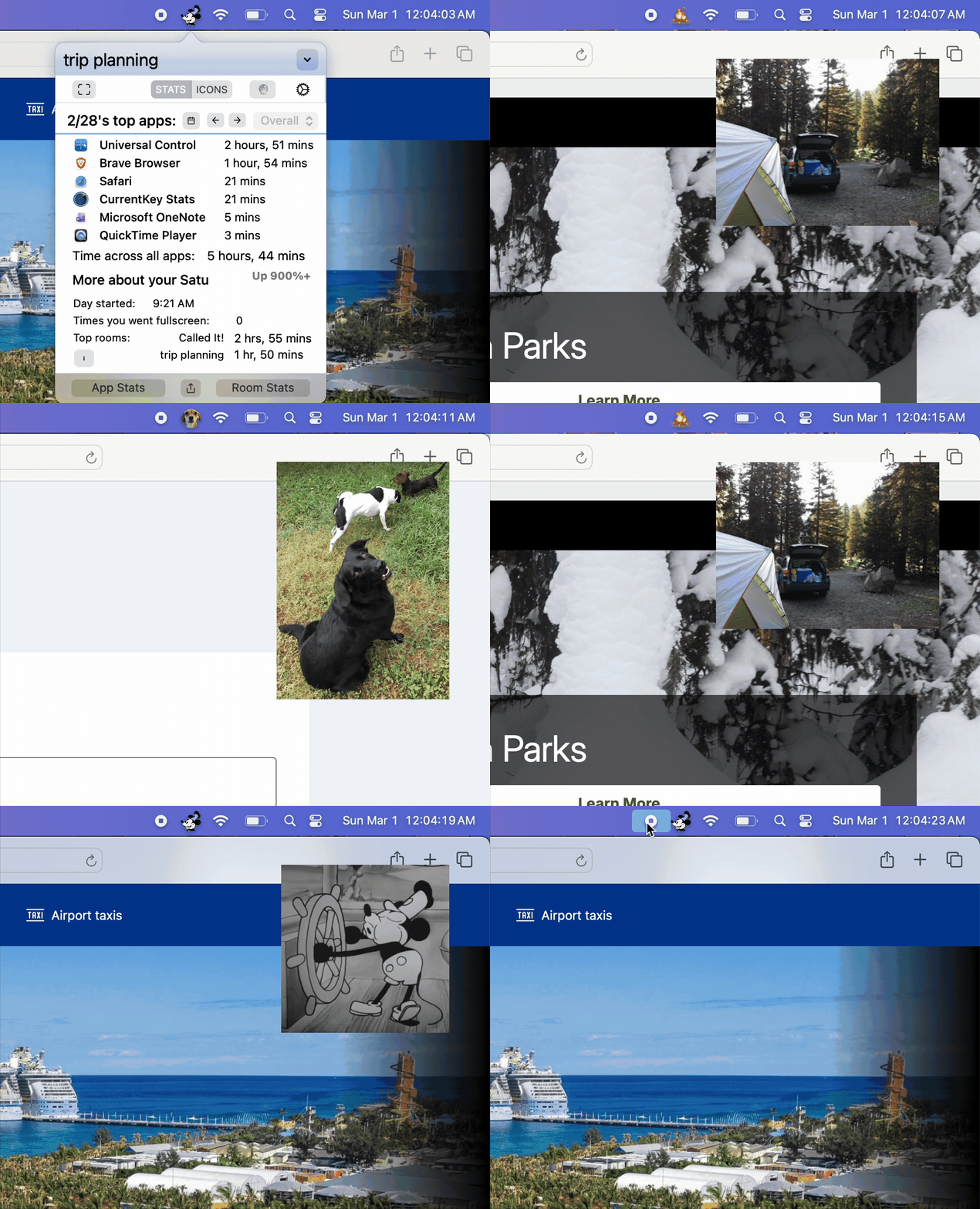
This 30 second demo video shows off Banners and Alert Icons.
You can control which corner the Banners appear, how long their fade-in length is, what kind of transition you want (fade in, slide in, or bounce in). And it’s easy to assign a Banner to either a Room-change-triggered Custom Icon or a AppleScript-triggered Alert Icon.
Beyond that: you can easily Export your Custom Icon creations (including their Banner attachments) or Import them!
There are a ton of other improvements throughout the app (including some fixes for pesky Tahoe bugs).
One of the more notable: You can now set Icons OR Stats to be the first thing to show after the popover opens.
9.1 launches too!
9.1 brings big enhancements to Banners, which can now slide in or bounce in, AppleScript’s ease of use (CurrentKey now provides a default ck.scpt files with a ton of commented-out examples of cool use cases), and more!
Enjoy! – Spencer